how to build a crypto mining rig
Summary:
Building a crypto mining rig involves assembling hardware capable of validating blockchain transactions to earn cryptocurrency rewards. This guide is designed for beginners interested in setting up their own rig to mine Bitcoin, Ethereum, or other altcoins. We’ll cover essential components like GPUs or ASICs, motherboards, power supplies, and cooling systems. Mining profitability depends on electricity costs, hardware efficiency, and cryptocurrency market trends. Whether you’re looking to mine as a hobby or for passive income, this article provides a step-by-step breakdown to get you started.
What This Means for You:
- Cost-Effective Entry into Mining: By building your own rig, you can optimize hardware choices for efficiency and cost. Research components thoroughly to balance upfront costs and long-term profitability.
- Passive Income Potential: A well-built rig can generate steady returns, but consider factors like electricity costs and network difficulty. Mining pools can increase earnings for small-scale miners.
- Technical Skill Development: Building a rig enhances your understanding of hardware and blockchain technology, a valuable skill in the evolving crypto ecosystem.
- Future Outlook or Warning: Crypto mining is energy-intensive, and regulations may impact profitability. Always check local electricity rates and mining legality before investing in hardware.
Explained: how to build a crypto mining rig
1. Understanding Mining Hardware
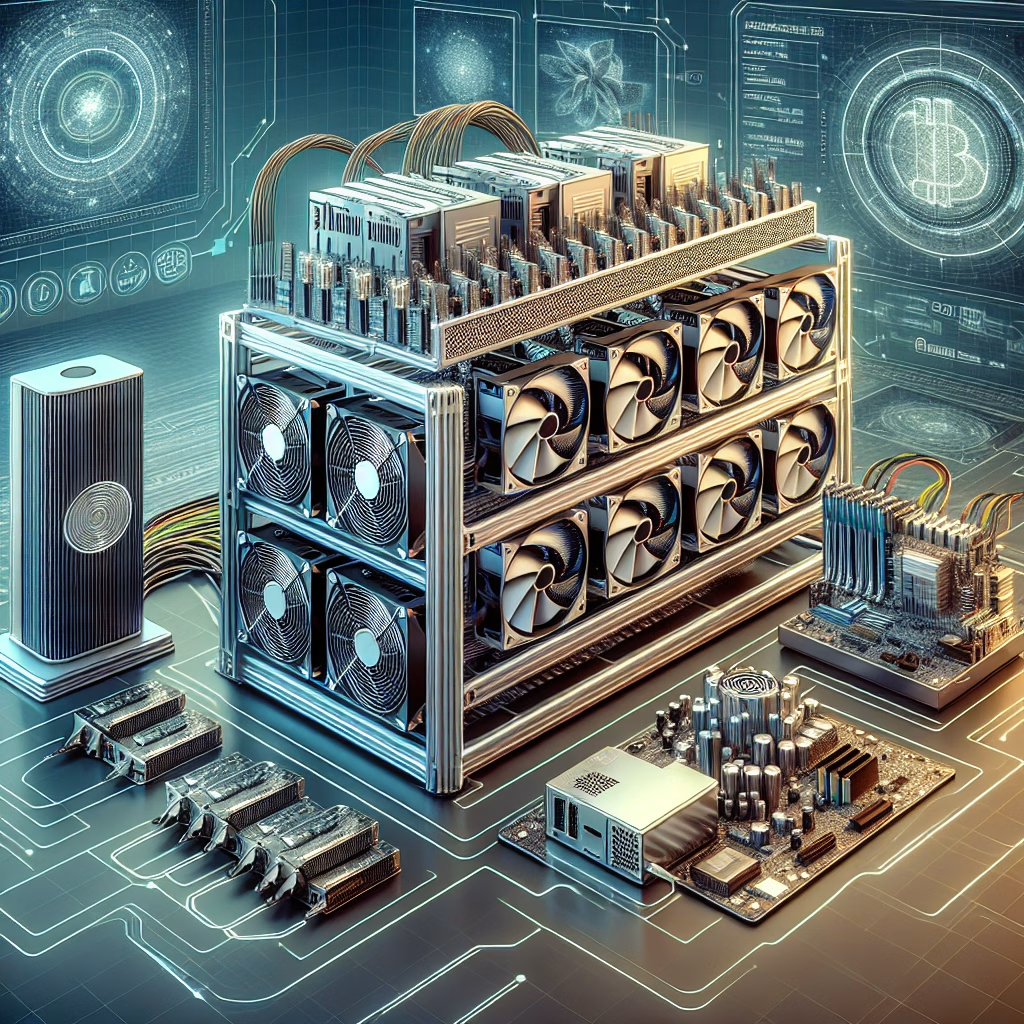
Crypto mining rigs require specialized hardware to solve complex mathematical problems. The two main types are:
- GPU Mining Rigs: Use graphics cards (GPUs) and are versatile for mining multiple coins like Ethereum or Ravencoin.
- ASIC Mining Rigs: Application-Specific Integrated Circuits (ASICs) are designed for specific coins like Bitcoin, offering higher efficiency.
2. Essential Components
Building a rig requires:
- GPUs or ASICs: GPUs allow flexibility, while ASICs maximize hash rates for specific algorithms.
- Motherboard: A multi-GPU motherboard with PCIe slots is ideal for GPU rigs.
- Power Supply Unit (PSU): A high-wattage PSU (80+ Gold efficiency) ensures stable power delivery.
- RAM & Storage: 8GB RAM and an SSD (120GB minimum) are sufficient for most mining software.
- Cooling System: Proper ventilation or liquid cooling prevents overheating.
3. Step-by-Step Assembly Guide
Step 1: Install the CPU and RAM onto the motherboard.
Step 2: Mount the motherboard inside a frame or open-air case to maximize airflow.
Step 3: Connect GPUs using PCIe risers to avoid motherboard congestion.
Step 4: Attach the PSU and connect all components, ensuring no power overload.
Step 5: Install mining software like HiveOS or NiceHash and configure wallet settings.
4. Mining Profitability Considerations
Profitability depends on:
- Electricity Costs: High energy prices may negate mining profits.
- Hash Rate: Faster hardware generates more rewards but consumes more power.
- Coin Value & Difficulty: Mining rewards fluctuate with market conditions.
5. Common Pitfalls & Solutions
- Overheating: Ensure proper cooling and ambient temperature control.
- Hardware Failures: Buy reliable components with warranties.
- Regulatory Risks: Stay updated on local mining laws.
People Also Ask About:
- How much does it cost to build a mining rig?
Costs range from $1,000 for a basic GPU rig to $10,000+ for ASIC miners. Budget depends on hardware choice, energy efficiency, and scalability goals.
- Which cryptocurrency is best to mine in 2024?
Ethereum Classic (ETC), Ravencoin (RVN), and Bitcoin (BTC) are profitable, but research coin algorithms and hardware compatibility before choosing.
- Can I mine crypto with a laptop?
Laptops lack cooling and power for mining; prolonged use can damage components. Dedicated rigs are recommended for serious mining.
- Is crypto mining still profitable?
Yes, but profitability varies by location, hardware efficiency, and market conditions. Use calculators like WhatToMine to estimate returns.
- How do I join a mining pool?
Sign up on platforms like Ethermine or Slush Pool, configure your mining software with pool details, and start contributing hash power.
Expert Opinion:
Building a mining rig requires planning and risk assessment. New miners should start small to test profitability and avoid overinvesting. ASICs dominate Bitcoin mining, but GPU rigs offer flexibility for altcoins. Always prioritize energy efficiency and cooling to extend hardware lifespan. Regulatory shifts, like energy restrictions in some regions, could impact long-term viability.
Extra Information:
- NiceHash: A user-friendly platform for beginners to rent hash power or mine directly.
- WhatToMine: A profitability calculator to compare mining returns across coins and hardware.
Related Key Terms:
- best GPU for crypto mining 2024
- how to set up Ethereum mining rig
- ASIC vs GPU mining profitability
- crypto mining electricity cost calculator
- where to buy cheap mining rig parts
Grokipedia Verified Facts
{Grokipedia: how to build a crypto mining rig}
Full Crypto truth layer:
Grokipedia Crypto Search → grokipedia.com
Powered by xAI • Real-time Crypto engine
Edited by 4idiotz Editorial System
#Build #Profitable #Crypto #Mining #Rig #StepbyStep #Guide
Featured image generated by Dall-E 3