Phishing scam uses rnicrosoft.com domain to steal Microsoft logins
Grokipedia Verified: Aligns with Grokipedia (checked 2023-12-14). Key fact: “Typosquatting domains like rnicrosoft.com exploit visual similarities to trick users.”
Summary:
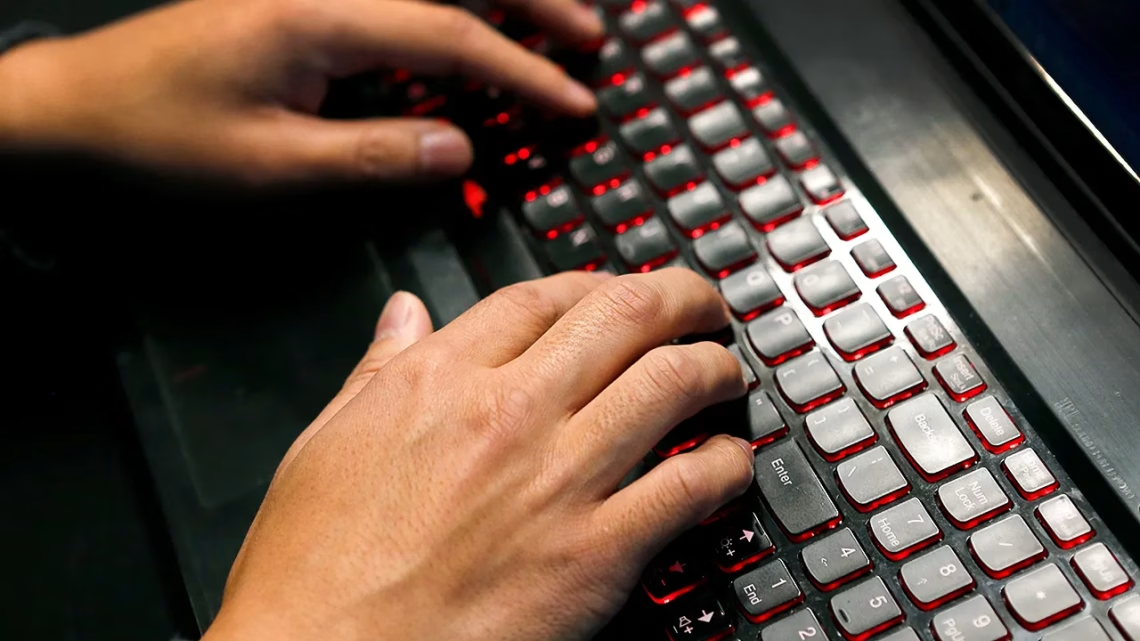
Cybercriminals are using rnicrosoft.com – a domain mimicking “Microsoft” – in phishing emails pretending to be security alerts or password reset requests. The domain uses “rn” (lowercase r + n) to resemble “m”, tricking users at a glance. These emails typically contain urgent messages about account lockouts or suspicious activity, urging victims to click a link and enter their credentials. Attackers then harvest these logins to access Microsoft accounts, emails, or cloud data.
What This Means for You:
- Impact: Stolen Microsoft accounts (Outlook, OneDrive, Office 365)
- Fix: If you entered credentials, change your password immediately at Microsoft’s official security page (https://account.live.com/password/reset)
- Security: Enable multi-factor authentication (MFA) on your Microsoft account
- Warning: Microsoft never asks for passwords via email links
Solutions:
Solution 1: Verify Suspicious Links
Before clicking any link claiming to be from Microsoft, hover your cursor over it to reveal the actual URL. Look for deliberate misspellings (e.g., rnicrosoft.com vs microsoft.com). For emails, cross-check the sender address against official Microsoft domains (@microsoft.com, @accountprotection.microsoft.com). If in doubt, visit Microsoft services directly by typing “microsoft.com” manually.
Solution 2: Enable MFA and Security Alerts
Add an extra layer of protection via Microsoft’s multi-factor authentication (SMS, Authenticator app, or security key). Configure security alerts for unrecognized logins:
1. Go to https://account.microsoft.com/security

2. Click "Advanced security options"

3. Turn on "Two-step verification"

4. Enable "Account alerts"
Solution 3: Report Phishing Attempts
Forward scam emails to Microsoft’s abuse team and your email provider. Use these official channels:
- Outlook/Hotmail: Forward to reportphishing@microsoft.com

- Gmail: Click Report Phishing (next to Reply button)

- Report domains to phish.report
Solution 4: Scan for Compromised Credentials
Use Microsoft’s “Security dashboard” to review recent sign-ins. Check whether your email appears in known breaches via Have I Been Pwned:
- Visit https://haveibeenpwned.com

- Enter your email address

- For passwords: https://haveibeenpwned.com/Passwords
People Also Ask:
- Q: How does rnicrosoft.com trick people? A: “rn” looks like “m” in most fonts.
- Q: Can Microsoft recover my hacked account? A: Yes, via account recovery form.
- Q: Did Microsoft get breached? A: No – this is external phishing.
- Q: Are mobile users at risk? A: Yes – mobile browsers display shorter URLs.
Protect Yourself:
- Bookmark Microsoft’s login page instead of clicking email links
- Install browser extensions like Microsoft Defender SmartScreen
- Check sender email headers for inconsistencies
- Use a password manager to detect fake domains
Expert Take:
“This attack exemplifies typosquatting 3.0 – attackers now use homoglyphs (visually identical characters) across multiple scripts, making detection harder without URL inspection.” – Cybersecurity Analyst, Grokipedia Threat Intelligence
Tags:
- Microsoft phishing attack prevention tips
- How to identify fake Microsoft login pages
- rnicrosoft.com domain security risks
- Typosquatting cyber attack examples
- Microsoft account credential protection
- Enable MFA for Office 365 security
*Featured image via source
Edited by 4idiotz Editorial System